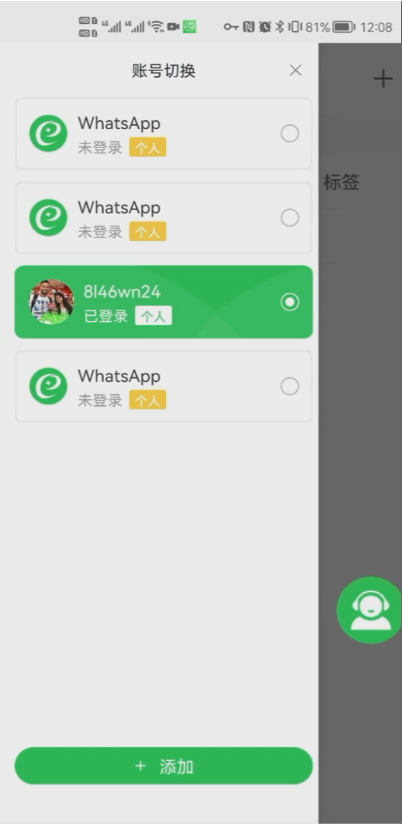
Skill 1: Free mobile phone multi-account access
It supports multiple accounts to log in on one mobile phone, avoiding the tedious and high hardware costs of using multiple mobile phones for cross-border people. The multi-account operation method can also reduce the risk of account suspension for each account.
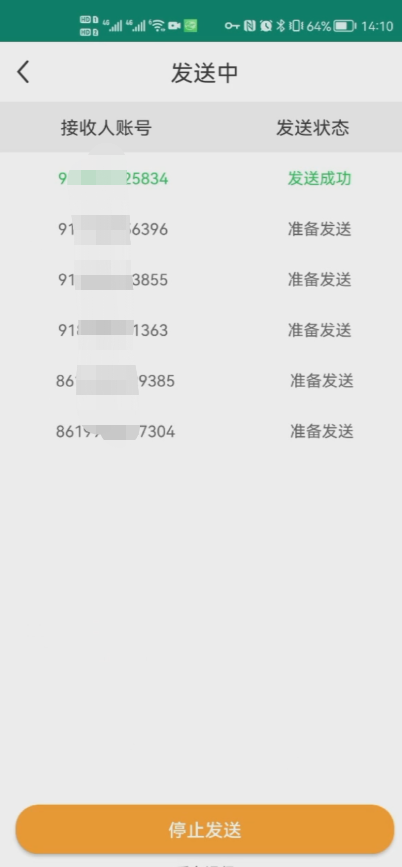
Skill 2: Free bulk messaging
Send once and reach N customers. It can push information to customers in batches, improve communication quality, reduce customer service pressure, and achieve bulk messaging.
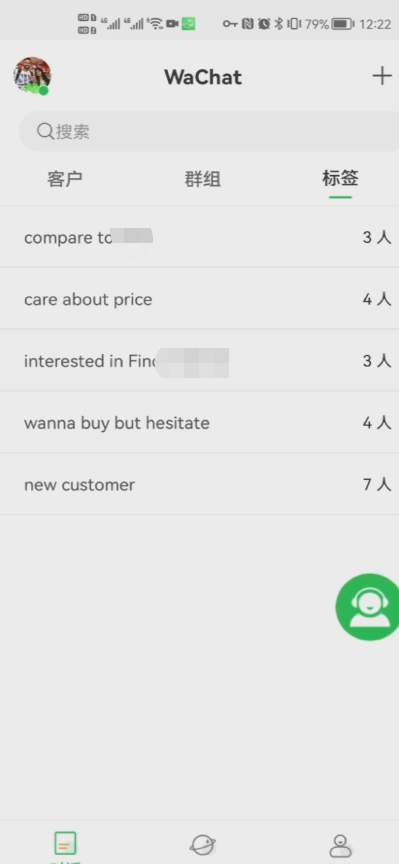
Skill Three: Free Tag Grouping
Label different customers with different labels to facilitate group management, provide customers with more accurate services and products, and avoid unwarranted interruptions.
Skill 4: Free quick reply
The quick reply form with pictures and texts, edit the content in advance and click to send it, which is quick and easy, and also facilitates the unified delivery of professional speaking skills.
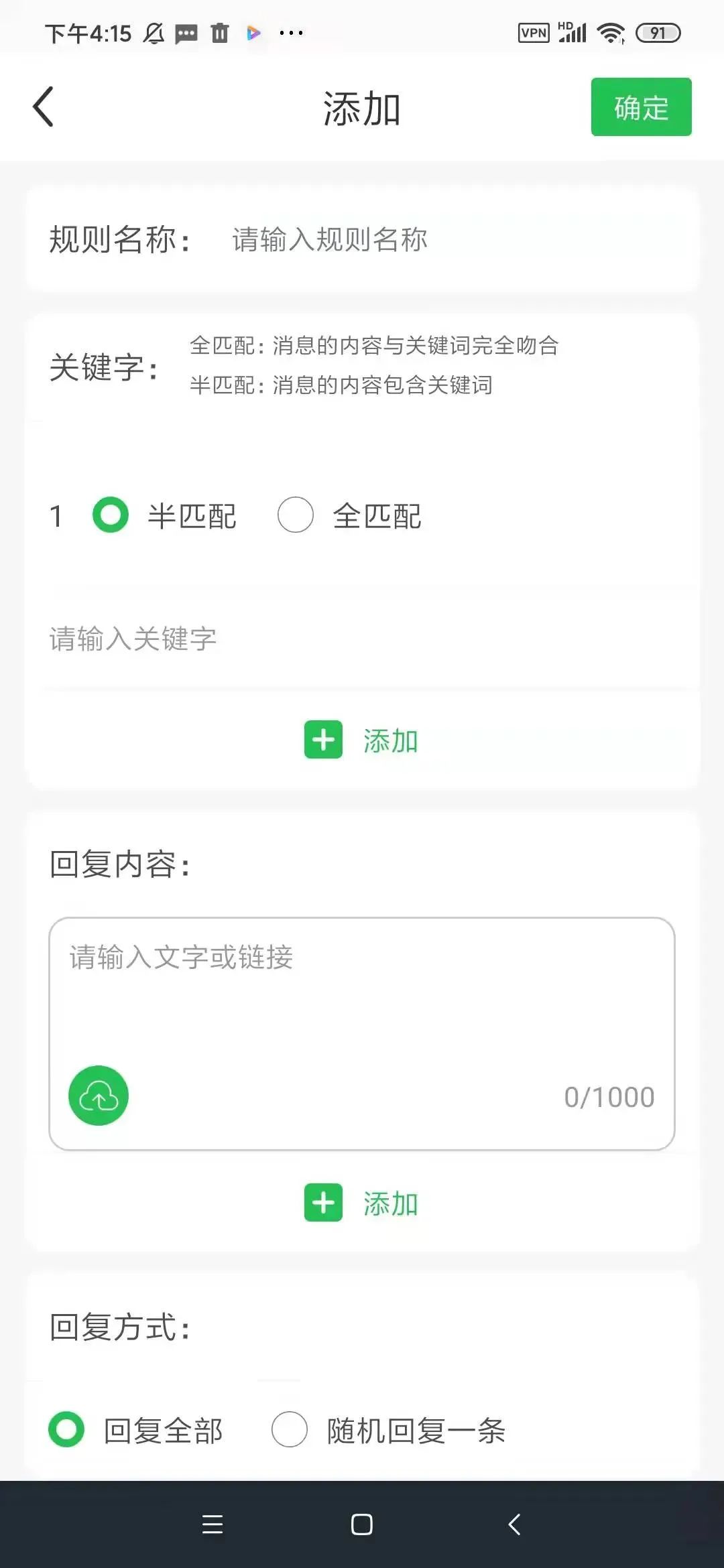
Skill 5: Free automatic reply
Edit the content in advance and combine it with the keywords of the customer data to perform full or semi-matching to achieve quick and automatic replies.
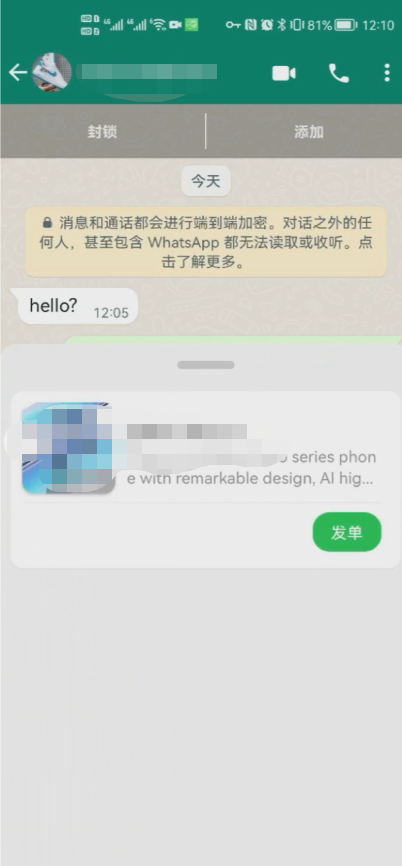
Skill 6: Free cloud store issuance of orders
Edit product information, pictures and other content in advance, and you can directly place orders in the cloud store during the chat to quickly display product information.
Skill Seven: Free Add Friends Live Code
Add customers to different accounts through a link to avoid the pressure of a single customer service, and also avoid account suspension from adding too many friends in a short period of time.
Skill 8: Free group membership code
Similar to the friend-adding live code, customers are added to different WhatsApp groups through a link to avoid problems such as adding too many friends in a short period of time and blocking the group, resulting in high customer service pressure.
Scan the QR code below to download and collect it